

Succulents meet the smart home
Indoor gardening used to be a game of intuition. You'd squint at the soil, poke a leaf, and hope for the best. But smart home tech is moving past basic thermostats and into the dirt. For anyone who has ever killed a succulent by overthinking it, this shift is a relief.
Succulents, with their unique needs, really benefit from consistent monitoring. Overwatering is a very common problem, leading to root rot and a sad, mushy end for these otherwise resilient plants. Underwatering, while less immediately fatal, can stunt growth and affect their appearance. Consistent data helps us avoid these pitfalls.
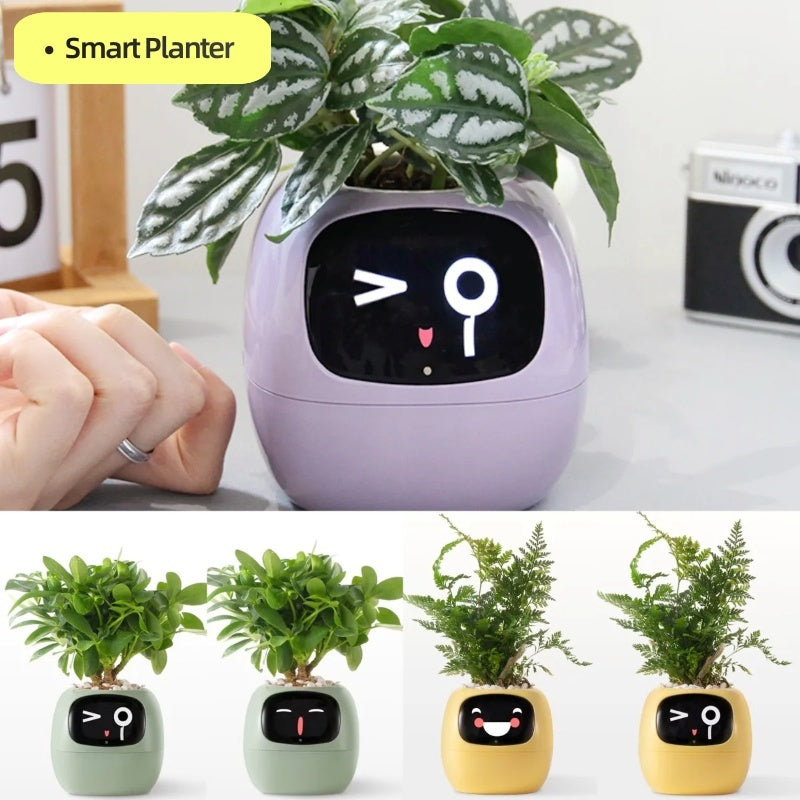
The newest generation of AI-powered plant monitors aren’t just about checking soil moisture. They’re evolving into sophisticated systems that analyze multiple environmental factors, offering a level of insight we simply didn’t have access to before. It's about moving beyond guesswork and providing our healthy succulents with precisely what they need to thrive. The goal isn’t to replace our connection with our plants, but to enhance it with data.
What these monitors actually track
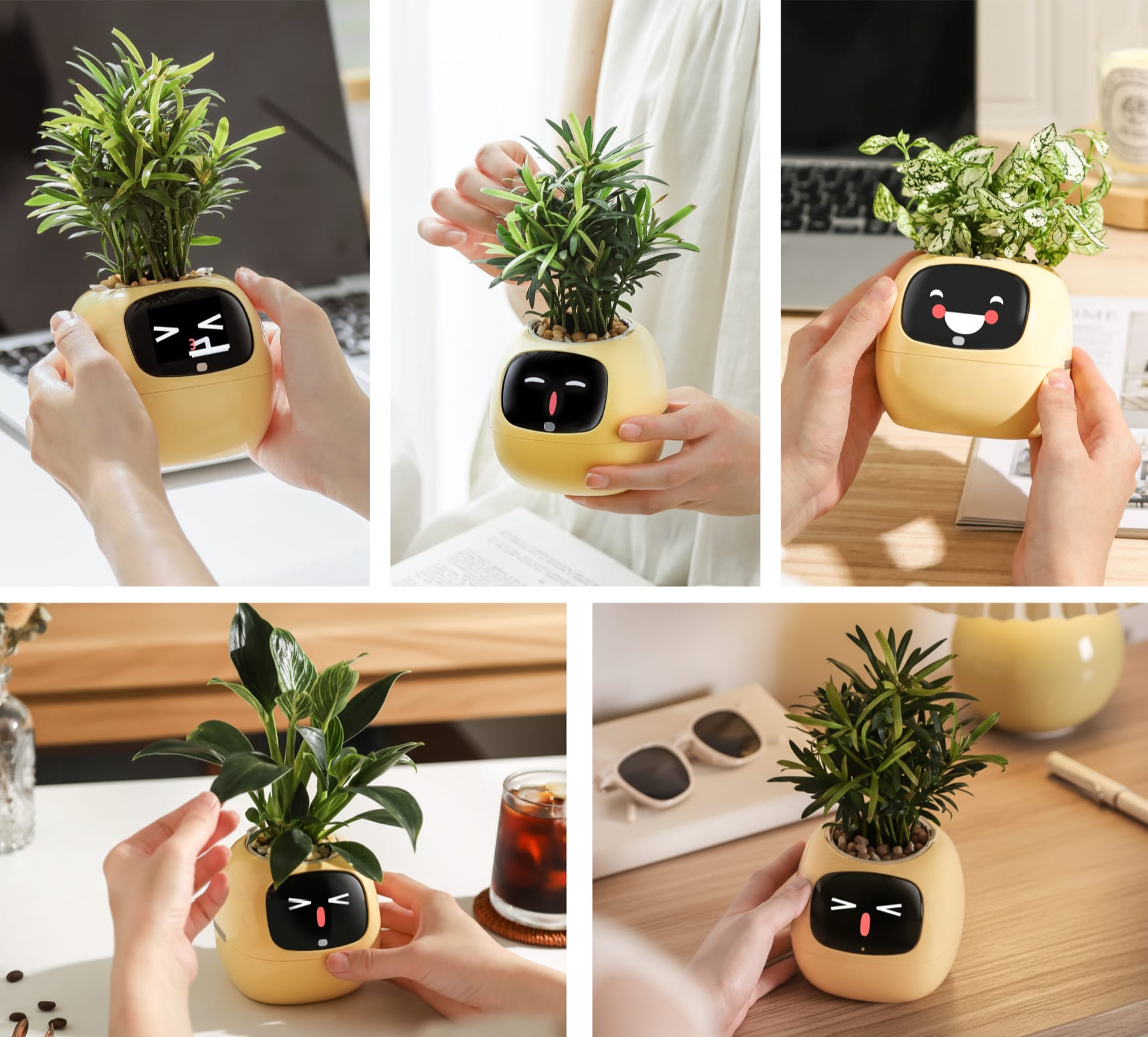
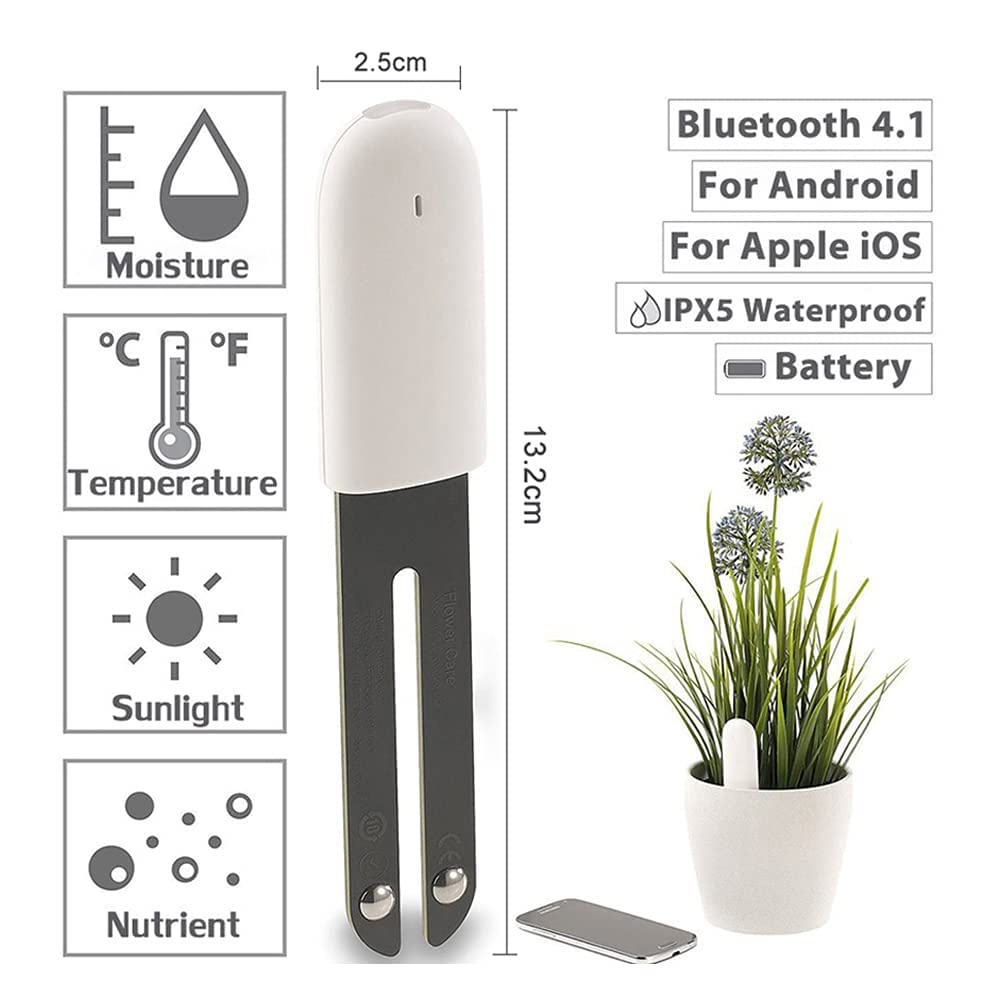
While early smart plant sensors focused almost exclusively on soil moisture, the current wave of AI monitors collects a much wider range of data. This is a huge step forward, as succulent health is influenced by a variety of factors. Modern monitors typically track light intensity, ambient temperature, and humidity. Some even go further.
Light intensity is critical, obviously. Succulents need bright light, but the specific requirements vary greatly between species. An Echeveria will need far more light than a Haworthia, for example. A good monitor will measure light levels in lumens or PAR (Photosynthetically Active Radiation), giving you a quantifiable measure of what your plant is receiving.
Temperature and humidity play a significant role too. Most succulents prefer relatively dry conditions and moderate temperatures. High humidity can encourage fungal growth, while extreme temperatures can cause stress. A monitor can alert you to conditions outside the ideal range for your plants. Some of the more advanced monitors even incorporate a small camera to analyze leaf color and potentially identify early signs of stress or disease.
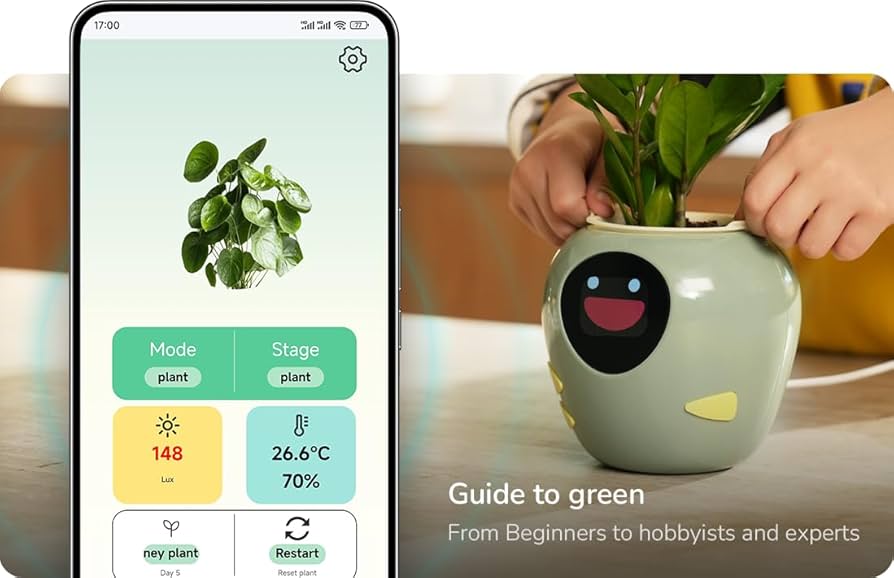
This data helps you see how light and water work together in your specific living room. Instead of following a generic care tag, you can adjust settings for the specific plant in front of you.
Four monitors worth checking
Several monitors are on the market now. Here are four that actually work, though prices fluctuate.
The 'BloomSense' is a popular option, praised for its ease of use and integration with other smart home platforms. It tracks soil moisture, light, temperature, and humidity, and sends alerts to your phone when conditions deviate from the ideal range. It currently retails for around $70. Another contender is 'PlantLink', which focuses on a more data-driven approach. It offers detailed graphs and historical data, allowing you to track trends over time. It’s priced slightly higher, at around $90.
’RootReveal’ is a newer entry to the market, and it stands out with its built-in camera. This allows for visual monitoring of your succulents and potential early detection of issues. The camera functionality adds to the cost, bringing the price point to approximately $120. A simpler, more affordable option is "Aura", which primarily focuses on soil moisture and light levels, coming in around $40.
When choosing a monitor, consider your needs and technical expertise. Some monitors are more user-friendly than others, while some offer more advanced features. It's also important to check compatibility with your existing smart home ecosystem. Don't be afraid to read reviews and compare specifications before making a decision.
Smart Plant Monitor Comparison for Succulent Care (2026)
| Monitor Name | Soil Moisture | Light Intensity | App Features | Succulent Specificity |
|---|---|---|---|---|
| Xiaomi Flower Care | Good - Provides general soil moisture readings | Good - Measures light levels, but lacks spectral analysis | Basic notifications, data logging, plant database | Low - Not specifically tailored to succulents, requires user interpretation |
| PlantLink | Very Good - Detailed moisture sensing with trend analysis | Excellent - Measures light intensity and duration, offering insights into photosynthetic activity | Customizable alerts, community forum, growth tracking | Medium - Offers some succulent profiles, but generalized recommendations are common |
| Click & Grow Smart Soil Monitor | Good - Focuses on moisture levels, designed for indoor plants | Fair - Measures ambient light, but limited detail | Simple interface, automated watering system compatibility (Click & Grow products) | Low - Primarily geared towards their own systems and leafy greens, less relevant for succulents |
| Eve Room | Fair - Measures air quality, temperature, and humidity, can infer soil moisture needs | Good - Measures light intensity, but not optimized for plant-specific requirements | Siri integration, historical data, customizable alerts | Low - General indoor environment monitor, indirect succulent care support |
| SensorPush | Very Good - Wireless sensor with accurate moisture readings, multiple sensor support | Good - Measures temperature and humidity, impacting transpiration rates | Data logging, alerts, IFTTT integration | Medium - Requires user knowledge to correlate data with succulent needs, but provides raw data for analysis |
Illustrative comparison based on the article research brief. Verify current pricing, limits, and product details in the official docs before relying on it.
Reading your plant's signals
Having the data is only half the battle. The real value comes from understanding what it means. A smart monitor doesn’t replace your observation skills, but it provides valuable context. For example, if the monitor shows consistently low light levels and your succulent is stretching towards the light source (a condition called etiolation), that’s a clear sign it needs more illumination.
Low soil moisture readings combined with wrinkled leaves indicate underwatering, of course. But what about consistently high soil moisture and yellowing, mushy leaves? That’s a classic sign of root rot, often caused by overwatering or poor drainage. The monitor helps you catch these problems early, before they become irreversible.
Different succulents have different preferences. A Sedum will tolerate drier conditions than an Aloe. A monitor can help you fine-tune your care routine based on the specific needs of each plant. Keep a journal alongside your monitor data. Note when you water, fertilize, or repot your succulents. This will help you correlate environmental factors with plant responses.
Don’t rely solely on the monitor’s recommendations. Use your own judgment. If a succulent looks stressed, even if the monitor readings are within the ideal range, investigate further. There might be other factors at play, such as pests or diseases. The monitor is a tool to aid your decisions, not to make them for you.
Automating the boring parts
Once you’re collecting data, the next step is to consider automation. Many smart plant monitors can integrate with other smart home devices, allowing you to automate aspects of succulent care. For instance, you could connect your monitor to a smart plug that controls a grow light. If the monitor detects low light levels, the smart plug could automatically turn on the grow light.
Automating watering is more complex with succulents. Because they prefer drier conditions, automated irrigation systems aren’t always the best choice. However, it could be useful in specific situations, such as when you’re away on vacation. Just be sure to carefully calibrate the system to avoid overwatering. I would strongly recommend manual oversight even with automation.
The risk with full automation is that you become too reliant on the technology. A monitor can’t detect every problem. It’s still important to regularly inspect your succulents for signs of pests, diseases, or other issues. Consider automation as a supplement to your care routine, not a replacement for it.
Some platforms allow you to create 'if-then' rules. For example, 'If soil moisture is below 20% and the ambient temperature is above 75°F, then send me a notification.' This level of customization allows you to tailor the automation to your specific needs and preferences.
When the tech fails
Smart plant monitors aren’t foolproof. You may encounter issues such as inaccurate readings, connectivity problems, app bugs, or short battery life. It’s important to be prepared to troubleshoot these issues. Inaccurate readings can often be resolved by recalibrating the sensor or ensuring it’s properly inserted into the soil.
Connectivity issues are common, especially if your monitor relies on Wi-Fi. Make sure your Wi-Fi network is stable and that the monitor is within range. If the problem persists, try resetting the monitor or contacting the manufacturer’s support team. App bugs are also a possibility, so make sure you’re using the latest version of the app. Check online forums for other users' experiences.
Battery life varies depending on the monitor and how frequently it’s transmitting data. Consider investing in rechargeable batteries to save money and reduce waste. If the battery life is consistently shorter than expected, contact the manufacturer.
Don’t hesitate to consult the monitor’s documentation or online support resources. Most manufacturers offer detailed troubleshooting guides and FAQs. Remember, these devices are relatively new, so there’s still a learning curve for both users and manufacturers.
Where AI plant care is headed
The integration of AI and succulent care is still in its early stages, but the potential is enormous. I anticipate seeing more sophisticated monitors that can diagnose diseases from leaf images, automatically adjust watering schedules based on weather forecasts, and even provide personalized care recommendations based on your specific climate and growing conditions.
Imagine a monitor that not only detects low light levels but also suggests the best type of grow light for your succulent, taking into account its species and growth stage. Or a system that analyzes the nutrient levels in the soil and recommends a specific fertilizer blend. These are the kinds of advancements we could see in the coming years.
Data privacy will also become a more important consideration. As these monitors collect more and more data about our plants and our homes, it’s crucial that this data is protected. I expect to see increased emphasis on security and transparency in the future.
Ultimately, the goal is to make succulent care more accessible and rewarding for everyone. By leveraging the power of AI, we can create a future where even the most novice gardener can enjoy the beauty and resilience of these fascinating plants. The combination of technology and a love for indoor succulents is a promising one.
No comments yet. Be the first to share your thoughts!